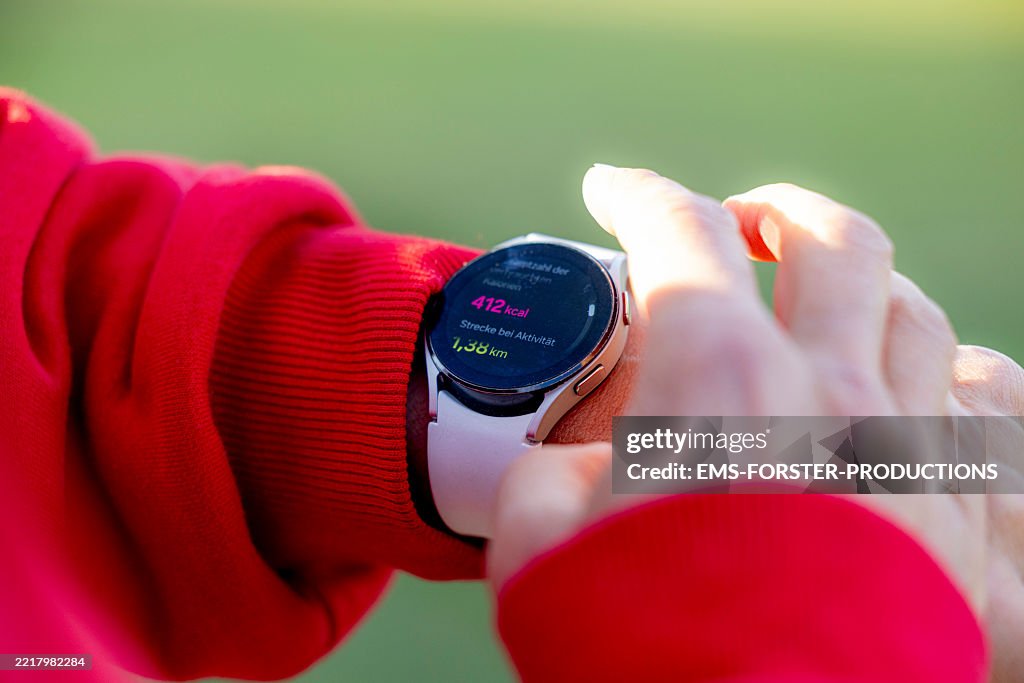
When you’re throwing together your music festival packing list, your brain immediately goes to the essentials: the tent, portable battery bricks, a reliable rain jacket, and whatever outfits you’ve been planning for months.
But there’s one invaluable piece of gear already sitting right on your wrist.
Your smartwatch is secretly the ultimate festival survival tool. When configured properly before you head through the gates, it can guide you back to your tent in the pitch black, pay for your spicy pie without making you pull out your phone in a dense crowd, and keep ticking long after your phone’s battery has given up.
To help you get ready, here is the ultimate prep checklist to get your watch festival-ready before the chaos begins.
The Festival Prep Checklist
1.Download offline maps & drop pins:Do this at home.
Cell service evaporates when 50,000 people share one tower. Open Google Maps or Apple Maps on your phone before you leave and download the entire festival area for offline use. Sync it to your watch. As soon as you pitch your tent or park your car, drop a permanent waypoint pin. When it’s 3 AM and every campsite looks identical, your watch’s internal compass will be a lifesaver.
2.Lock in your wrist payments:Test before you go.
Digging your phone out of a tight pocket in the middle of a mosh pit is a recipe for a cracked screen. Load your primary card into Apple Pay, Google Wallet, or Garmin Pay, and buy a coffee with it at home to ensure it’s active. While a little emergency cash in your shoe is always smart, your watch wallet keeps you moving fast through completely cashless food and drink stalls.
3.Activate device tracking and alerts:Secure your gear.
Festivals are a giant stress test for your pockets. Turn on Apple’s Find My, Google’s Find Hub, or Samsung’s SmartThings Find. Enable “Left Behind” separation alerts so your watch buzzes the second your phone slips out of your pocket onto the grass. Pro tip: Slip a tracker like an AirTag into your backpack or tent pouch for absolute peace of mind.
4.Update emergency info & tune sensors:Safety first.
Fill out your Medical ID and set up your emergency contacts so they are accessible from your lock screen. However, you should also be realistic about the environment: intense dancing or a high-energy mosh pit can easily trick your watch’s fall or collision detection into triggering a false 911 call. Learn the quick shortcut to cancel an emergency alert, or temporarily tone down automatic crash detection if you plan on getting rowdy near the stage.
5.Optimize for multi-day battery life:Preserve every percentage.
An elegant “Always-On Display” is a luxury you can’t afford in a field. Switch it off. Dive into settings and engage Battery Saver or Low Power Mode early—don’t wait until you hit 20%. Turn down screen brightness manually, use “Theater Mode” to keep the screen dark unless tapped, and make it a habit to plug your watch into a mini power bank while you’re getting ready in the morning.
A Quick Reminder: Technology is incredible, but it isn’t completely foolproof. Think of your smartwatch as your highly efficient first line of defense, not a total replacement for basic survival skills. Keep a physical ID on you, arrange a concrete landmark meeting spot with your friends on Day 1, and don’t forget to look up from the screens to actually enjoy the music!